

1
Set environment variables to connect to your Phoenix instance:
2
Install the Phoenix OTEL package and an instrumentation library. This quickstart uses OpenAI, but Phoenix supports many providers and frameworks including Anthropic, LangChain, LlamaIndex, Vercel AI SDK, Mastra, and more.
- Python
- TypeScript
3
Register Phoenix as your trace collector. The See the arize-phoenix-otel reference for all options.
register function configures your application to export spans to Phoenix and auto-instruments supported libraries.- Python
- TypeScript
4
Make an LLM call to generate your first trace. OpenAI calls are automatically captured:
- Python
- TypeScript
5
Open Phoenix to see your traces: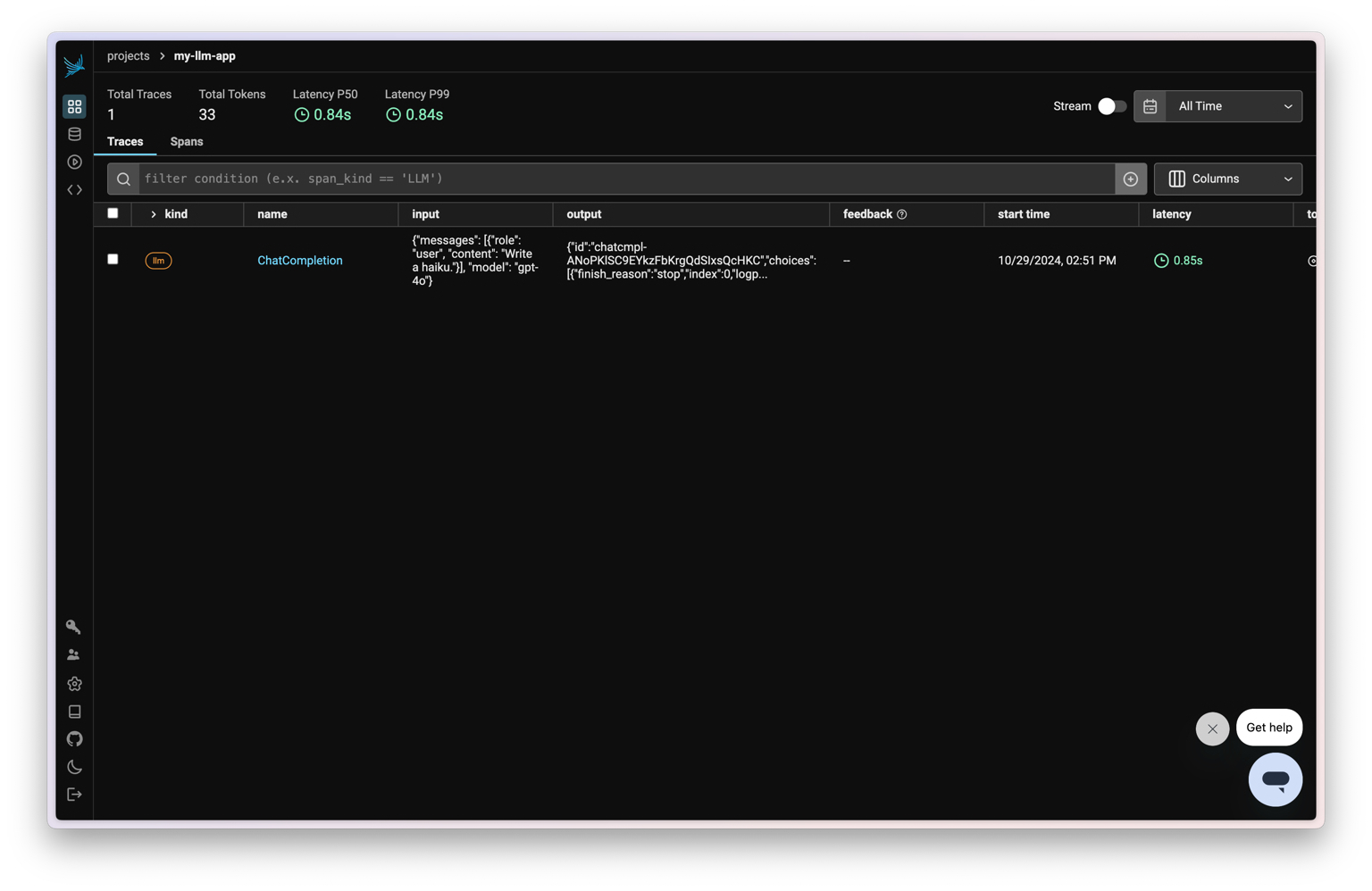
Next Steps
Tracing Concepts
Understand spans, traces, and how observability works
Add Metadata & Tags
Enrich traces with custom attributes for filtering and analysis
Integrations
Connect LangChain, LlamaIndex, Anthropic, and 20+ frameworks
Manual Instrumentation
Add custom spans with decorators and wrappers
Run Evaluations
Score your traces with LLM-as-a-judge evaluators
Advanced Setup
Configure batching, gRPC, headers, and more